
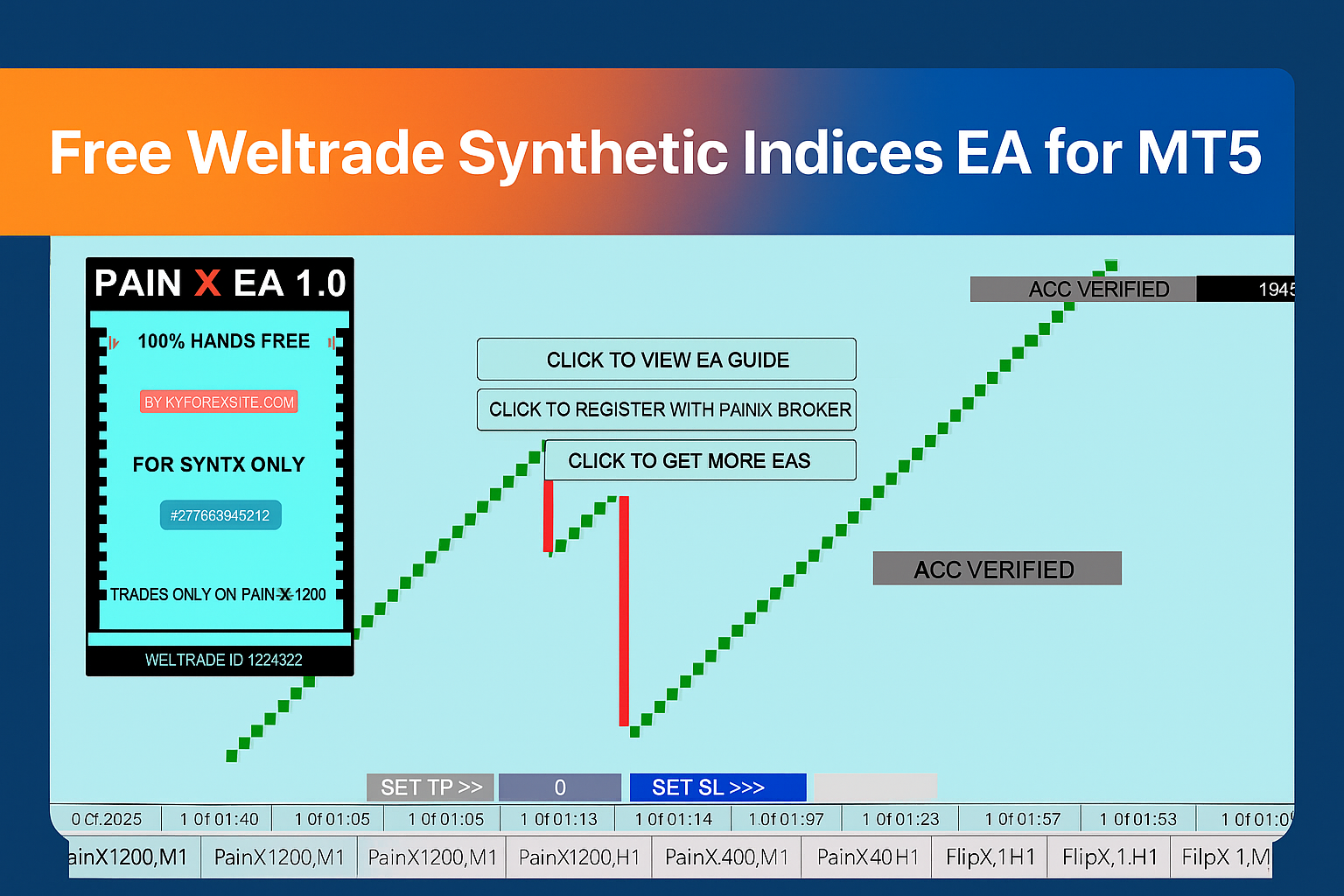
Free Weltrade Synthetic Indices EA for MT5
The Weltrade Synthetic Indices EA is a free trading expert advisor designed to trade antispikes only on PainX 1200 index found exclusively on Weltrade broker , it avoids trading during spikes and targets only profitable corrections using advanced entry filters and smart risk management.
This trading expert Advisor only operate on MT5 platform and its ideal for traders seeking consistency, automation and fast trades on Weltrade Synthetic Indices.
Important Disclaimer
⚡ Trading Risk: Trading forex and synthetic indices involves substantial risk. Past performance does not guarantee future results.
📋 Not Financial Advice: The PainX Free EA is for educational purposes only. This is not financial advice. Always consult with a licensed financial advisor before making investment decisions.
✅ Demo Testing Required: This EA is completely free. You must test on a demo account first before using real money.
🚫 No Guarantees: No guarantees of profitability. Market conditions can change, and losses may occur.
PainX Free EA
Expert Advisor for Weltrade Synthetic Indices
The Pain X 1200 AntiSpikes EA is designed to work on the M1 timeframe (metatrader 5) focusing on scalping anti spike opportunities. It trades frequently with a small take profit target allowing it to get in and out quickly to avoid large spikes. While stop losses can occur at times the EA consistently maintains a winning edge achieving roughly 70% accuracy which is considered very strong for this strategy.
From user feedback on telegram, many traders report good results mainly in achieving small but frequent gains. Because the PainX EA is made specifically for the PainX index, it is less flexible compared to multi market robots but this specialization gives it a unique edge in accuracy.
Overall the PainX Free EA stands out for traders who want to explore synthetic indices. While no EA guarantees profits the positive community feedback and focused design make this robot worth testing on a demo account for few weeks before applying it in live markets.

PainX Free EA
Expert Advisor for Weltrade Synthetic Indices
- Already optimizes for M1 time frame scalping.
- Avoids dangerous price jumps using Anti spike entry logic .
- Small take profit for quick in and out trades.
- Built in risk management with stop loss and take profits.
- Trades frequently with 70% accuracy.
- Runs 24/7 on Weltrade synthetic indices.
- Free of Charge no cost to download or use.
- No Martingale, you can control your lotsizes.
PainX Free EA
Understanding the Expert Advisor’s trading strategy
- Spike detection on M1 timeframe: Monitors candle range on the PainX 1200 index to spot sudden spikes.
- Cooldown filter: Waits for momentum to fade instead of chasing the spike.
- Reversal confirmation: Looks for signs like momentum slowdown, small anti spikes candles behaviour or a micro shift in trend to validate an antispike entry.
- Entry & small TP: Opens a quick scalp in the opposite direction of the spike with a small take profit to get in and out fast.
- Risk management: Places SL beyond the spike you can edit the stop loss anytime you want.
- High trade frequency: Regular signals on M1 aim for quick frequent wins accuracy target around 70% under typical conditions.
The video below demonstrates how the Pain X EA works on Weltrade Synthetic Indices using MetaTrader 5. Please note this EA is designed for laptops and desktops only and does not function on mobile devices, watch the video to see it in action.
PainX Free EA
Step-by-step instructions for MT4/MT5
- Download the EA file (
.ex5) from this page. - Open MetaTrader 5 and click File → Open Data Folder.
- Navigate to
MQL5 → Expertsand paste the EA file inside. - Restart MetaTrader 5 so the EA appears in the Navigator → Expert Advisors list.
- You may also right click next to expect advisors and refresh the ea should appear after refreshing.
- Drag and drop the EA onto the PainX 1200 chart (M1 timeframe).
- Allow DDL imports ,navigates to inputs and change number of trades to 1 then press OK.
- Enable Algo Trading and the ea should trade for you.
- It may take up to at least 20minutes before its first trade.
- make sure you have a blue cap at the top right hand corner after the name of the ea.
The video below provides a step by step guide on how to install the free EA

PainX Free EA
Configuration and settings for Weltrade Synthetic Indices
- Correct chart and timeframe: Load the EA on the Pain X 1200 synthetic index M1 timeframe.
- Small accounts: If balance is below $70 set Number of Trades to 1 in Inputs to prevent over trading and poor results.
- Trade frequency: The EA trades often with small TPs, keep risk per trade conservative and avoid loading many number of trades on small balances.
- Confirm with higher timeframes: Before running the EA, check the H1 trend. The best conditions include:
- Price is at or near support.
- A resistance breakout has occurred.
- A clear uptrend on the H1 timeframe.
- Ranging conditions on the M5 timeframe.
- Avoid strong downtrends or hard resistance zones (higher loss risk).
- Profit discipline: The EA typically wins more than it loses (around 70% accuracy under normal conditions). Withdraw profits regularly don’t be greedy.
- Broker requirement: Runs only on Weltrade MT5 (Pain X 1200 available there). Always test on demo first.
- 📊 Timeframe: Always use M1 (scalping mode).
- 💵 Minimum balance: $50+ (demo testing recommended first).
- 🔢 Number of trades: For accounts below $70, set 1 trade. Increase only with a larger balance.
- ⚖️ Risk per trade: 1–3% of account balance recommended.
- 🎯 Take Profit: Small TP targets for quick exits.
- 🛡️ Stop Loss: Place SL beyond the spike extreme.
- 📈 Accuracy: Around 70% under normal volatility conditions.
- 🏦 Broker requirement: Works only on Weltrade MT5 with the PainX 1200 index.
Tip: If market conditions worsen (sharp downtrend or repeated rejections at resistance), pause the EA and re check H1/M5 alignment before resuming. Always run the ea when the h1 market is on uptrend or when it shows many green candles.
The video below shows you how to use this free EA effectively.
⚠️ Disclaimer: This EA is provided for educational and informational purposes only and should not be considered financial advice. Trading involves risk and you are solely responsible for any losses incurred.
PainX Free EA
Verify performance with your own data and settings
Want to verify performance on your own data and settings? Download the Backtest EA build and run it in MT5 Strategy Tester on the Pain X 1200 synthetic index (Weltrade). Use the M1 timeframe, enable Every tick based on real ticks or 1-minute OHLC modeling and choose your date range. This EA scalps anti spikes with small TP so results are most meaningful on fresh M1 data.
- Symbol: Pain X 1200 (Weltrade)
- Timeframe: M1
- Model: Every tick based on real ticks (preferred) or 1-minute OHLC
- Risk tip: start with Number of Trades = 1 for small balances
Note: Educational use only. Past performance does not guarantee future results. Always test on demo first.
In case you do not know how to back test or optimize trading ea click here to learn more about how to load , remove and back test trading EAs.
PainX free EA
Common questions about the EA
+ Does the Pain X 1200 AntiSpikes EA work on MT4 or MT5?
+ Which broker supports Pain X 1200?
+ Is the EA really free?
+ What timeframe should I use?
+ Can I use a demo account before going live?
+ What is the win accuracy?
+ How do I add the EA to MT5?
+ Can I run this EA on mobile?
Disclaimer & Risk Warning
Important information about trading risks
The Pain X 1200 AntiSpikes EA is provided for educational purposes only. Trading synthetic indices involves risk. Past performance does not guarantee future results.
Always test on a demo account first, use responsible risk management, and trade only with money you can afford to lose. You are solely responsible for any trading decisions and outcomes.
Platform requirement: MT5 desktop. This EA does not run on mobile apps. Broker requirement: Weltrade MT5 (Pain X 1200 index).

Sponsored • Partner Offer
Join Our Telegram Community
Get updates, trade signals, and connect with other traders
Join Telegram Group →
[…] visit our previous post see how we loaded the previous EAs click here. […]